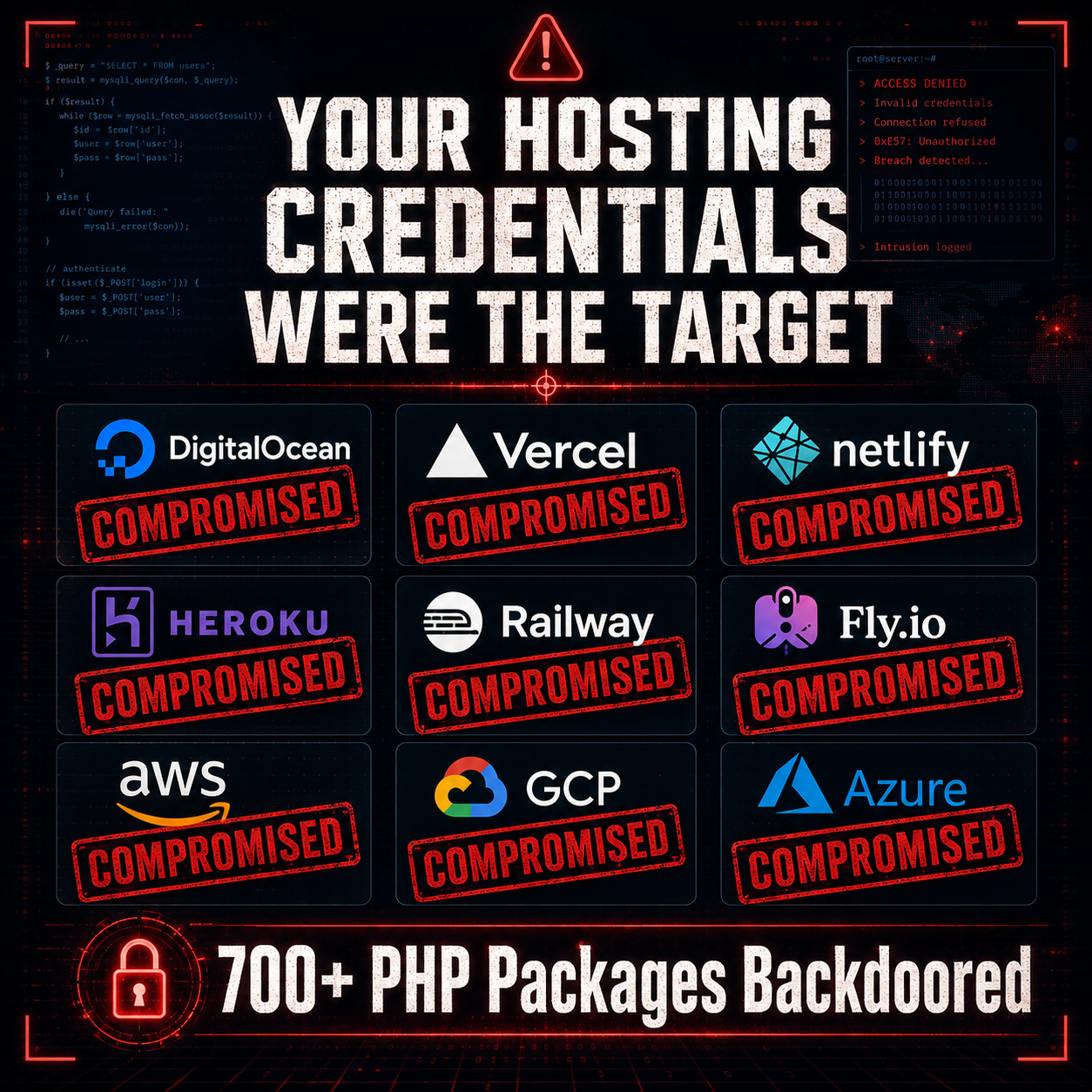
Your Hosting Credentials Were the Target
On May 22, 2026, a supply chain attack hit the PHP ecosystem that should make every developer and hosting user sit up and pay attention. The attacker did not go after source code. They did not plant ransomware. They went after one thing: your credentials. Specifically, the API tokens, SSH keys, and environment variables that give access to hosting platforms like DigitalOcean, Heroku, Vercel, Netlify, Railway, and Fly.io.
The attack compromised over 700 versions of the popular laravel-lang localization packages — libraries with 7,800+ GitHub stars used by thousands of Laravel projects worldwide. A 5,900-line cross-platform credential stealer was injected into the packages, designed to silently harvest and exfiltrate everything from cloud provider keys to cryptocurrency wallet seeds.
The most alarming part? No malicious code was ever committed to the official repositories. The attacker exploited a little-known GitHub feature to make Packagist serve poisoned versions while the actual repo source remained clean.
This article breaks down exactly what happened, what was targeted, and what you need to do right now if any of your projects depend on Laravel-Lang packages.
What Happened: The Attack Mechanics
The Tag-From-Fork Exploit
GitHub allows git tags to point to commits in any fork of a repository — not just the main repo. The attacker exploited this by creating a fork of the Laravel-Lang repositories, adding malicious code to their fork, and then creating version tags in the official repositories that pointed to the commits in their malicious fork.
Because Packagist (PHP's package registry) resolves packages by following git tags, it served the attacker's poisoned code whenever developers ran composer install or composer update. The official repository's commit history remained completely clean, which is why the attack was so difficult to detect through normal code review.
Four Repositories, 700+ Versions
The affected packages were:
laravel-lang/lang— the main localization package (7,800+ stars)laravel-lang/attributes— form attribute translationslaravel-lang/http-statuses— HTTP status code translationslaravel-lang/actions— action/button translations
Tags were published in rapid succession on May 22–23, 2026, with many versions appearing only seconds apart. This automated, rapid-fire approach rewrote the entire version history — meaning every historical version of these packages was poisoned, not just the latest release.
The Autoload Trojan: src/helpers.php
The malicious payload was placed in a file called src/helpers.php. This file was registered in the package's composer.json under the autoload.files directive:
{
  "autoload": {
    "files": [
      "src/helpers.php"
    ]
  }
}
This is the critical detail. Composer's autoload.files directive tells PHP to execute the listed files on every single request. There is no opt-in. There is no function call required. If the package is installed, the code runs automatically.
On the surface, helpers.php defined two innocent-looking localization helper functions. Below those functions, a self-executing block performed the real work:
- Fingerprinting: Generated a unique host identifier using MD5 hashes of the file path, hostname, and inode to prevent re-infection
- C2 Resolution: Decoded the command-and-control domain (
flipboxstudio[.]info) from an integer array usingarray_map('chr', [...])to evade static analysis - Payload Download: Fetched the second-stage payload from
flipboxstudio[.]info/payloadviafile_get_contentswith a curl fallback, both with SSL verification disabled - Cross-Platform Execution: On Linux/macOS, executed the payload in the background via
exec(). On Windows, dropped a.vbslauncher and ran it silently viacscript
The staged payload was stored in sys_get_temp_dir()/.laravel_locale/ — a directory name designed to look like a legitimate Laravel cache.
The Full Credential Target List
The second-stage payload was a 5,900-line PHP credential stealer organized into 17 specialist collector modules. The scope of what it targeted is staggering. Here is the complete breakdown:
Hosting Platforms
| Platform | What Was Targeted |
|---|---|
| DigitalOcean | API tokens, doctl config |
| Heroku | API keys, ~/.netrc credentials |
| Vercel | Auth tokens, project configs |
| Netlify | Auth tokens, site configs |
| Railway | Auth tokens |
| Fly.io | Auth tokens, app configs |
Cloud Infrastructure
| Provider | What Was Targeted |
|---|---|
| AWS | Access keys, secret keys, session tokens, ~/.aws/credentials, EC2 instance metadata (169.254.169.254) |
| Google Cloud | Application default credentials, access token databases, named CLI configurations |
| Azure | Access tokens, MSAL cache, service principal profiles |
Infrastructure & DevOps
| Tool | What Was Targeted |
|---|---|
| Kubernetes | Service Account tokens (/var/run/secrets/), kubeconfig files |
| Docker | Auth configs, docker-compose.yml files |
| HashiCorp Vault | API tokens, sealed secrets |
| Helm | Registry configurations |
CI/CD Systems
| System | What Was Targeted |
|---|---|
| Jenkins | master.key, credentials store |
| GitHub Actions | Workflow tokens, secrets |
| GitLab CI | Runner tokens, CI variables |
| CircleCI | Auth tokens |
| ArgoCD | Auth tokens, cluster configs |
Developer Credentials
| Category | What Was Targeted |
|---|---|
| SSH | Private keys (~/.ssh/), known hosts, SSH agent sockets |
| Git | .gitconfig, .git-credentials, .netrc (GitHub, GitLab, Bitbucket) |
| Package Registries | NPM/Yarn auth tokens, PyPI configs, Gem credentials, Composer auth |
| Environment Files | All .env files (recursive scan), wp-config.php, settings.py, secrets.yaml |
| Shell History | bash, zsh, psql, mysql, python, node REPL histories |
Password Managers
| Manager | What Was Targeted |
|---|---|
| 1Password | Vault databases, local cache |
| Bitwarden | Local vault data |
| LastPass | Local cache, vault data |
| KeePass | Database files (.kdbx) |
Cryptocurrency Wallets
| Wallet | What Was Targeted |
|---|---|
| Ledger Live | Wallet data, account info |
| Trezor | Wallet data |
| MetaMask | Browser extension vault data |
| Electrum | Wallet files, seed data |
| Exodus | Wallet files |
| Atomic Wallet | Wallet files |
| Phantom | Browser extension data |
| Trust Wallet | Extension data |
| Ronin | Extension data |
| Keplr | Extension data |
| Solflare | Extension data |
| Rabby | Extension data |
Browsers
| Browser | What Was Targeted |
|---|---|
| Chrome | Saved passwords (including v127+ App-Bound Encryption bypass via embedded DebugChromium.exe) |
| Edge | Saved passwords |
| Brave | Saved passwords |
| Opera / Opera GX | Saved passwords |
| Vivaldi | Saved passwords |
| Yandex | Saved passwords |
| Firefox | Saved passwords, certificates |
Communication & VPN
| Service | What Was Targeted |
|---|---|
| Slack | Workspace tokens |
| Discord | Auth tokens |
| Telegram | Session data |
| NordVPN | Saved credentials, configs |
| ExpressVPN | Saved credentials |
| ProtonVPN | Saved credentials |
| CyberGhost | Saved credentials |
| Mullvad | Account data |
| Surfshark | Saved credentials |
| WireGuard | Config files, private keys |
| OpenVPN | .ovpn files, embedded credentials |
Windows-Specific
| Tool | What Was Targeted |
|---|---|
| Windows Credential Manager | All stored credentials |
| PuTTY | Session configs, saved keys |
| WinSCP | Saved connections, passwords |
| RDP | .rdp files with saved credentials |
| Outlook | Profile data, cached credentials |
After collecting all of this data, the stealer encrypted everything with AES-256, exfiltrated it to flipboxstudio[.]info/exfil, and then deleted itself from disk to limit forensic evidence.
Why PHP Was the Next Target After npm
This attack did not happen in isolation. Just eleven days earlier, on May 11, 2026, the TanStack npm supply chain attack compromised over 170 npm packages and 2 PyPI packages across 404 malicious versions. That attack exploited GitHub Actions workflows using a technique called "Pwn Request" combined with cache poisoning, and it was the first documented case of a malicious npm package carrying valid SLSA provenance.
May 2026 has been a month of escalating supply chain attacks across every major package ecosystem:
- npm/PyPI (May 11): TanStack compromise via GitHub Actions cache poisoning
- Composer/PHP (May 22–23): Laravel-Lang compromise via tag-from-fork
The pattern is clear. Attackers are systematically working through the major package ecosystems, finding unique trust boundary violations in each one. For npm, it was GitHub Actions workflow permissions. For Composer, it was GitHub's tag-from-fork feature combined with Packagist's tag-based resolution.
The PHP ecosystem was a natural next target. Composer packages have deep autoload integration, .env files are a standard part of PHP frameworks (Laravel, Symfony), and PHP developers often run their applications on servers with direct access to production credentials. The autoload.files directive gave attackers automatic code execution without any explicit function call — something even npm's postinstall scripts cannot guarantee since many developers disable them.
How Developers Can Protect Themselves
1. Check If You Are Affected
Search your composer.lock for any of the affected packages:
# Check if you have any laravel-lang packages installed
grep -r "laravel-lang" composer.lock

# Check specific packages
composer show laravel-lang/lang 2>/dev/null
composer show laravel-lang/attributes 2>/dev/null
composer show laravel-lang/http-statuses 2>/dev/null
composer show laravel-lang/actions 2>/dev/null
If any of these packages appear in your project, assume compromise until verified otherwise.
2. Verify Package Integrity
Composer does not verify package integrity by default the same way npm ci does. But you can verify that your installed packages match expected hashes:
# Show the installed version and its reference hash
composer show --locked laravel-lang/lang

# Compare the reference hash in composer.lock against
# known-good commits on the official repository
cat composer.lock | python3 -c "
import json, sys
data = json.load(sys.stdin)
for pkg in data.get('packages', []) + data.get('packages-dev', []):
    if 'laravel-lang' in pkg.get('name', ''):
        print(f\"{pkg['name']}@{pkg['version']} ref={pkg.get('source', {}).get('reference', 'N/A')}\")
"
3. Audit Your .env Files and Environment
Check for signs of credential exfiltration:
# Look for the malware's staging directory
find /tmp -name ".laravel_locale" -type d 2>/dev/null

# Check for suspicious outbound connections in your logs
grep -r "flipboxstudio" /var/log/ 2>/dev/null

# Audit your .env files for exposure
# List all .env files in your project (they should NOT be in git)
find . -name ".env*" -not -path "./.git/*" | head -20

# Check if any .env files were accidentally committed
git log --all --diff-filter=A -- "*.env"
4. Rotate All Credentials Immediately
If you were affected, rotate everything. Not just your hosting tokens — everything the stealer targeted:
# Rotate AWS credentials
aws iam create-access-key --user-name YOUR_USER
aws iam delete-access-key --access-key-id OLD_KEY_ID --user-name YOUR_USER

# Rotate DigitalOcean tokens
doctl auth init  # Re-authenticate with a new token

# Regenerate SSH keys
ssh-keygen -t ed25519 -C "your_email@example.com" -f ~/.ssh/id_ed25519_new
# Update authorized_keys on all servers

# Rotate Laravel APP_KEY (this will invalidate all encrypted data)
php artisan key:generate

# Rotate database passwords
# Update .env with new credentials, then restart services

# Revoke and regenerate GitHub/GitLab tokens
gh auth logout && gh auth login

# Rotate Docker Hub tokens
docker logout && docker login

# Rotate Kubernetes credentials
kubectl config delete-context YOUR_CONTEXT
# Re-authenticate with your cluster
5. Lock Down Composer Going Forward
# Always commit composer.lock to version control
git add composer.lock

# Use --no-plugins and --no-scripts for initial installs
# when evaluating new packages
composer install --no-plugins --no-scripts

# Audit installed packages for known vulnerabilities
composer audit

# Pin to exact versions in production
composer update --lock
How Hosting Providers Should Respond
If you operate a hosting platform, this attack was specifically designed to compromise your users' access to your service. Here is what you should do:
Environment Isolation
- Container isolation: Deploy customer applications in isolated containers where the application process cannot access host-level credentials or other tenants' data
- Metadata service protection: The stealer specifically targeted cloud metadata endpoints (169.254.169.254). Ensure your infrastructure blocks or restricts access to instance metadata from customer code
- Ephemeral credentials: Use short-lived, scoped tokens instead of long-lived API keys wherever possible
Credential Monitoring
- Token usage anomaly detection: Monitor for unusual API token usage patterns — tokens being used from unexpected IP addresses or geographic locations
- Bulk credential rotation tools: Provide your users with easy one-click credential rotation if they suspect compromise
- Outbound connection monitoring: Flag and log outbound connections from customer applications to known C2 domains
Build Pipeline Security
- Dependency scanning: Integrate supply chain scanning into your build pipelines. Tools like Socket and Aikido Security detected this attack
- Build isolation: Run
composer installin sandboxed build environments that do not have access to production credentials - Network restrictions during builds: Restrict outbound network access during the dependency installation phase to only known package registries
The Bigger Picture: May 2026's Supply Chain Crisis
The Laravel-Lang attack is not an isolated incident. It is part of a pattern that has made May 2026 one of the worst months for software supply chain security in history.
Consider the timeline:
- March 2026: Aqua Security's Trivy scanner compromised via GitHub Actions
- April 2026: Bitwarden CLI npm package compromised
- May 11: TanStack + 160 npm/PyPI packages compromised via GitHub Actions cache poisoning (attributed to TeamPCP / "Mini Shai-Hulud")
- May 22–23: Laravel-Lang packages compromised via tag-from-fork (700+ versions across 4 packages)
These attacks share common characteristics:
- Trust boundary exploitation: Each attack found a seam between trusted systems (GitHub Actions runners, git tags, Packagist resolution) and exploited the implicit trust between them
- Credential harvesting focus: The payloads are not crypto miners or ransomware. They are credential stealers. The attackers want persistent access to infrastructure
- Clean official repos: In both the TanStack and Laravel-Lang attacks, the official source code repositories remained untouched. The compromise existed in the build/distribution layer
- Automated scale: Hundreds of package versions were poisoned in minutes through automated tooling
The uncomfortable truth is that our package ecosystems were built on implicit trust: trust that a git tag points to the right commit, trust that a published version contains the same code as the repository, trust that autoload.files will only load legitimate helper functions.
That trust model is broken. May 2026 proved it.
What You Should Do Right Now
Here is your action checklist:
- Audit your
composer.lockfor anylaravel-lang/*packages - Check for the staging directory at
/tmp/.laravel_locale/ - Search logs for any connections to
flipboxstudio.info - If affected, rotate all credentials — cloud keys, SSH keys, API tokens, database passwords,
APP_KEY - Run
composer auditon all your PHP projects - Enable
--no-plugins --no-scriptswhen evaluating new Composer packages - Review your CI/CD pipelines for exposed secrets and restrict outbound network access during builds
- Subscribe to security advisories from Packagist, Socket, and Aikido Security
Supply chain attacks are not going away. They are getting more sophisticated, more targeted, and more damaging. The Laravel-Lang attack proves that even a localization helper — a package you install and forget about — can become a vector for total credential compromise.
If you are deploying PHP applications on any hosting platform, your credentials were the target. Act accordingly.