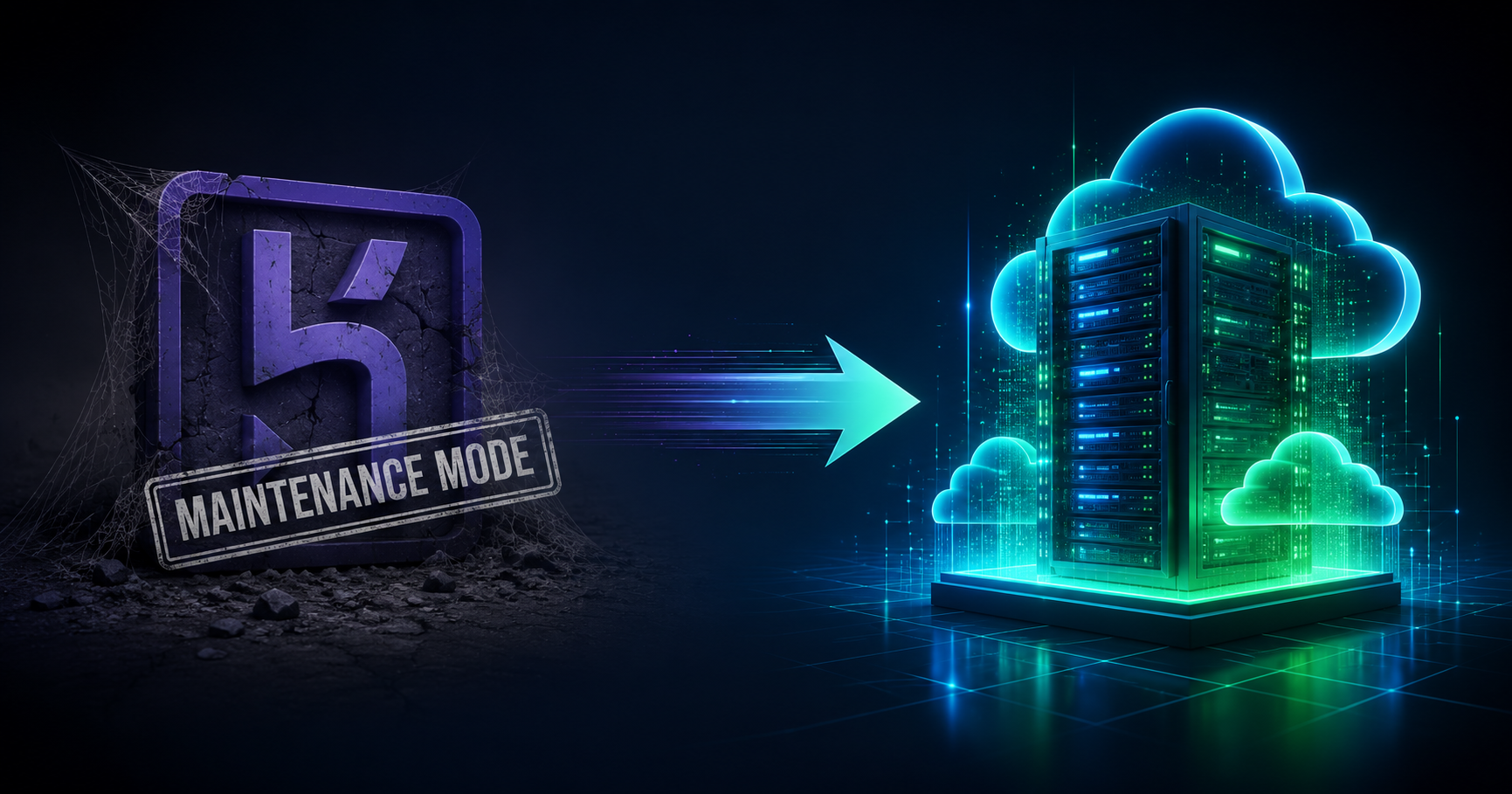
On February 6, 2026, Salesforce made it official: Heroku is entering "sustaining engineering" mode. No new features. No new enterprise contracts for new customers. Security patches only. The platform that once defined modern app deployment is now on life support.
If you're still running apps on Heroku, this is the signal you've been waiting for. Here's what happened, what it means, and why DeployBase is the alternative developers are choosing in 2026.
The Timeline: How Heroku Got Here
Heroku's decline didn't happen overnight. It was a slow erosion that played out over four years:
- 2019-2021: Salesforce acquires Heroku (2010) but gradually deprioritizes it. Feature releases slow to a crawl while competitors like Vercel, Render, and Railway ship aggressively.
- November 2022: Heroku kills its free tier — free dynos, free Postgres, free Redis, all gone overnight. Millions of hobby projects and prototypes are forced to migrate or die. This was the moment many developers realized Heroku's best days were behind it.
- 2023-2024: Feature development effectively stalls. Competitors launch edge deployment, serverless scaling, built-in observability, and native Docker support. Heroku ships... almost nothing. Users report increasing reliability issues through 2025.
- February 2026: Salesforce officially declares "sustaining engineering" mode. The roadmap is purely defensive — patches, stability fixes, infrastructure maintenance. No innovation, no new capabilities.
The writing was on the wall when Salesforce pivoted all investment toward AI products like Agentforce and the Intercom acquisition. Heroku simply doesn't fit their strategy anymore.
What "Sustaining Engineering" Actually Means
Let's be clear about what this means in practice:
- No new features: Whatever Heroku can do today is all it will ever do. No new runtimes, no new add-ons, no new deployment capabilities.
- No new enterprise contracts: Salesforce has wound down the sales motion. Existing enterprise customers can renew, but no new ones are being onboarded.
- Security patches only: Language runtime updates (Node 24, Python 3.14, Ruby 3.4) may outpace what Heroku's buildpacks support. Third-party add-on partners have no incentive to maintain integrations on a shrinking platform.
- Support degrades: As engineering teams get reassigned, response times increase and institutional knowledge erodes.
- No sunset date: Heroku could technically run in this mode for years — but "sustaining engineering" is widely understood as the phase before end-of-life.
For existing credit card customers, nothing changes immediately. Your apps still run, your billing stays the same. But the long-term trajectory is unmistakable: this platform is no longer being invested in.
Why Not Just Stay on Heroku?
Some teams might think: "It works today, so why migrate?" Here's why waiting is risky:
- Runtime compatibility: When Node.js 24 or Python 3.14 drops, will Heroku's buildpacks support it on day one? In sustaining mode, probably not. You could be stuck on outdated runtimes.
- Add-on ecosystem decay: Third-party providers (logging, monitoring, databases) follow the users. As developers leave Heroku, add-on quality and availability will decline.
- Pricing pressure: With no competitive pressure to improve, there's zero incentive for Heroku to lower prices or add value. You're paying 2020 prices for a 2020 platform.
- Talent gap: New developers entering the workforce aren't learning Heroku. Finding team members who know (or want to use) the platform gets harder each year.
- Emergency migrations are expensive: If Heroku does announce a sunset date, every remaining customer will be scrambling simultaneously. Migrating on your own timeline is far cheaper and less stressful.
The Alternatives Landscape in 2026
The market has responded to Heroku's decline with a flood of alternatives. Here's an honest look at the major players:
Railway
The closest to Heroku's original developer experience. Push-to-deploy, automatic stack detection, and a generous hobby plan. Good for small projects and startups. However, it's still a managed PaaS — you trade control for convenience, and costs can escalate quickly at scale.
Render
A solid middle ground with less operational burden than raw infrastructure but more configuration options than Heroku. Popular with engineering teams that want managed services without feeling locked in. Pricing is competitive but usage-based billing can surprise you.
Fly.io
Great for latency-sensitive applications with multi-region deployment by default. However, they recently removed their free tier too, and the learning curve is steeper than traditional PaaS. Best for teams that want infrastructure-level control with a developer-friendly interface.
DigitalOcean App Platform
The git-push-to-deploy workflow closest to Heroku's original magic. Excellent documentation. But App Platform is a managed abstraction — you don't get SSH access or the ability to customize your server environment deeply.
Vercel
Excellent for frontend-heavy applications and Next.js. Recently added Docker support. But it's optimized for a specific workflow — if you're running a full-stack monolith, a REST API, or a background worker, Vercel isn't the natural fit. Usage-based pricing can also lead to surprise bills.
Why DeployBase Is Different
Every alternative above is a managed PaaS — they give you an abstraction layer and manage the infrastructure behind it. That's fine until you need something the abstraction doesn't support.
DeployBase takes a fundamentally different approach: you get always-on apps at a flat monthly price, managed from a developer-friendly dashboard.
SSH Access from Pro
SSH and SFTP access are included on Pro ($11.99/month) and above. Install packages, customize nginx configs and run background processes inside your own container. No buildpack limitations, no add-on dependencies, no waiting for platform support.
Transparent, Flat-Rate Pricing
Plans start at $5.99/month with predictable, flat-rate billing. No per-request charges, no bandwidth surprises, no "you exceeded your free tier" emails at 3 AM. You know exactly what you'll pay every month.
Run Any Stack
WordPress, Laravel, Node.js, PHP and static sites, on every plan — you choose the stack when you deploy, not when you pick a plan. Upload files on any plan, or use Git deployment and SSH on Pro and above. No buildpack compatibility worries.
Active Development
Unlike Heroku's frozen roadmap, DeployBase ships new features regularly. Git deployment, staging environments, SSL automation, backup management, monitoring dashboards — all actively maintained and improved. We're building, not sustaining.
No Vendor Lock-In
Your code runs on standard Linux servers. Your deployment process uses standard Git. Your databases are standard MySQL/PostgreSQL. If you ever want to leave, there's nothing proprietary holding you back. Try saying that about Heroku's dynos and buildpacks.
Free SSL and Backups on Every Plan
Automatic SSL via Let's Encrypt and scheduled backups are included on every DeployBase plan — both cost extra on Heroku. Staging environments start on Business ($23.99/month).
Migrating from Heroku to DeployBase
The migration process is straightforward for most applications:
- Sign up for DeployBase and choose a plan that matches your resource needs. Our 7-day free trial lets you test everything before committing.
- Set up your application: Create a new app in the dashboard, select your stack (Node.js, Python, PHP, etc.), and configure your environment variables.
- Connect your Git repository: Point DeployBase at your GitHub/GitLab repo. Push-to-deploy works just like Heroku — push to main, your app rebuilds automatically.
- Migrate your database: Export from Heroku Postgres using
pg_dump, import into your DeployBase database. For MySQL apps, the process is similar withmysqldump. - Update your DNS: Point your custom domain to your DeployBase server. SSL certificates are provisioned automatically.
- Verify and cut over: Test your staging environment, then switch production traffic. The whole process typically completes in an afternoon.
Price Comparison: Heroku vs DeployBase
| Feature | Heroku (Basic) | DeployBase (Starter) |
|---|---|---|
| Monthly cost | $7/dyno | $5.99/month |
| RAM | 512 MB | 1 GB |
| Storage | Ephemeral (no persistent disk) | 20 GB SSD (persistent) |
| SSL | Included | Included (auto-provisioned) |
| Custom domains | Yes | Yes |
| SSH access | No | Pro and above ($11.99/mo) |
| Cron jobs | Requires Heroku Scheduler add-on | Built-in |
| Background workers | Extra dyno ($7+/mo) | Included |
| Database | $5+/mo (Mini Postgres) | Included |
| Git deploy | Yes | Pro and above ($11.99/mo) |
| Staging environments | Pipeline (extra dynos) | Business and above ($23.99/mo) |
| Backups | $3.50+/mo (Premium Postgres) | Included |
| Platform status | Sustaining mode (no new features) | Active development |
When you factor in the database, scheduler, and worker dynos that most apps need, a basic Heroku setup runs $20-50/month. The equivalent on DeployBase is $5.99-$11.99/month with more resources and more control.
The Bottom Line
Heroku changed how developers think about deployment. It made "git push" synonymous with "ship to production." That legacy deserves respect.
But respect for the past doesn't mean building your future on a platform that's stopped evolving. Salesforce has made its priorities clear, and Heroku isn't one of them.
If you're evaluating Heroku alternatives in 2026, the question isn't whether to migrate — it's when and where. DeployBase offers the control of a VPS, the simplicity of a PaaS, and the pricing that won't surprise you. No vendor lock-in, no frozen roadmap, no "sustaining engineering" — just real servers, actively maintained, at a price that makes sense.
Start your free trial at deploybase.io and see why developers are making the switch.